
A help center your Docs become.
Write articles in Basecamp's Docs & Files — the tool your team already trusts. Can Do publishes them as a clean, searchable knowledge base on your own domain, with the structure of your Basecamp folders intact.
Works with Basecamp Docs & Files · 14-day trial · no credit card
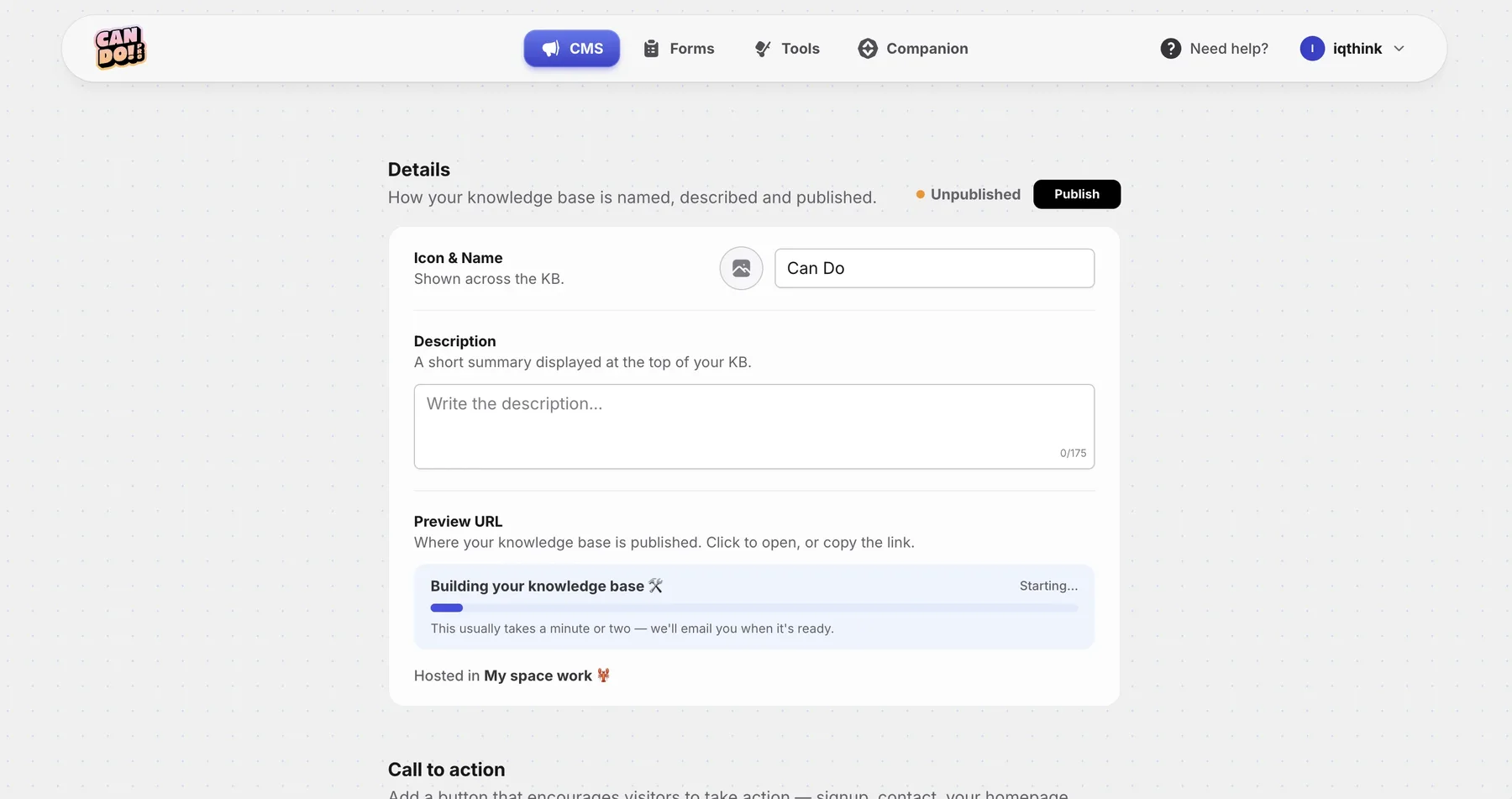
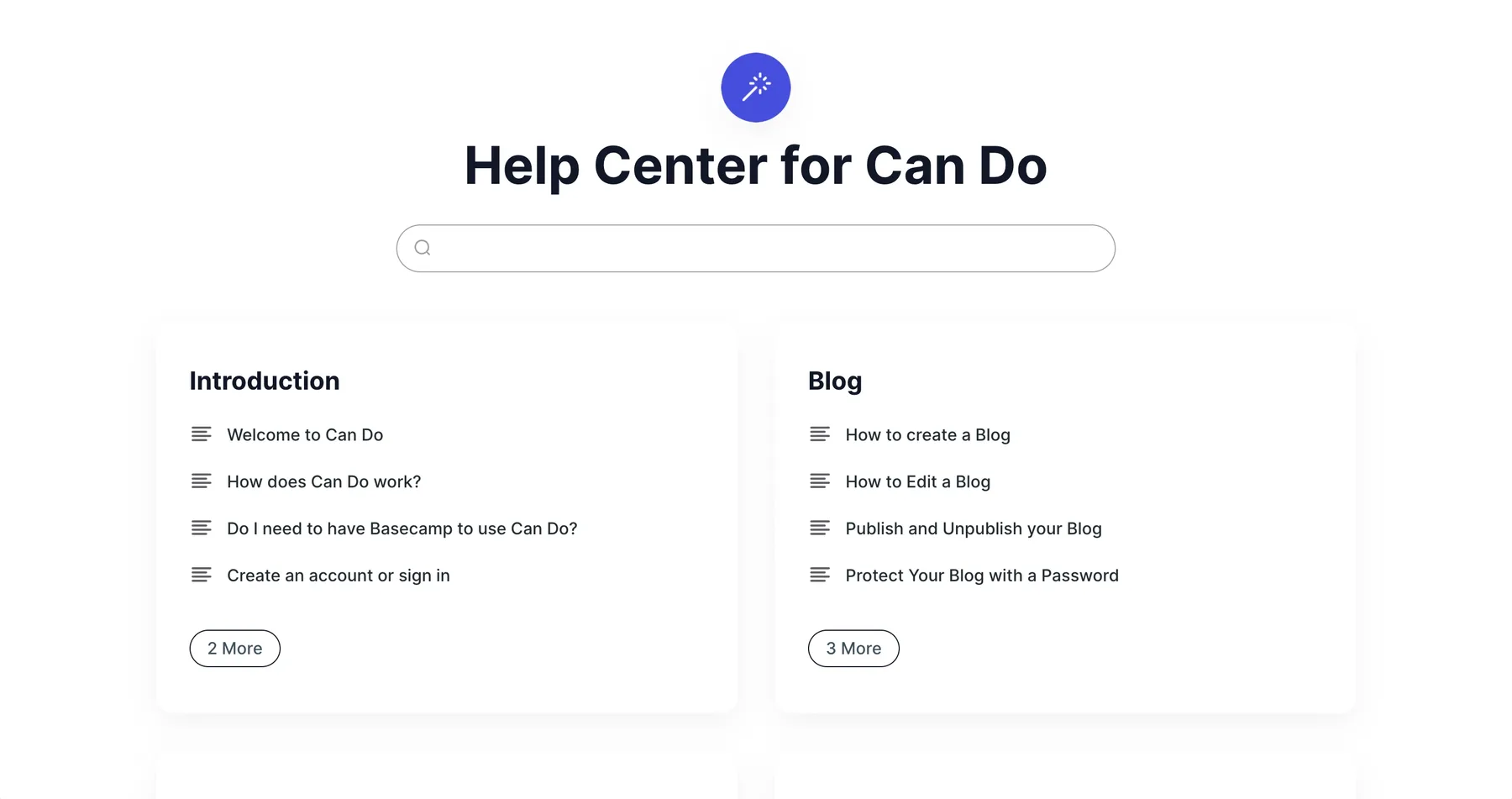
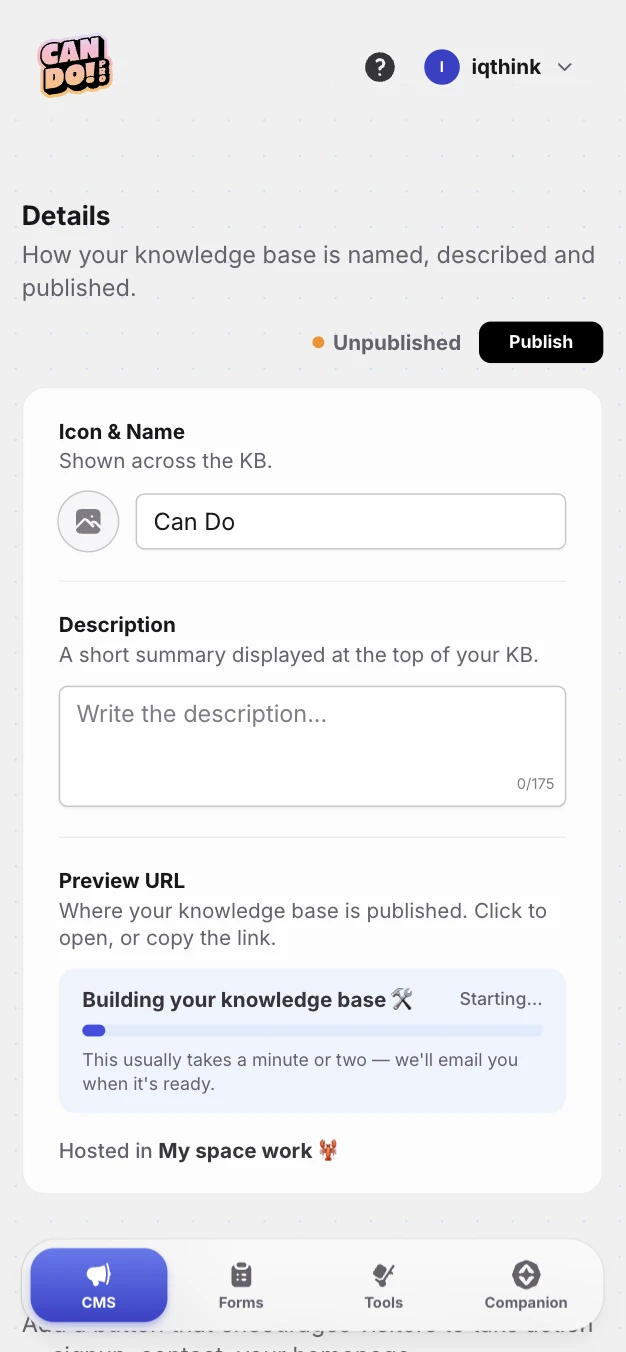
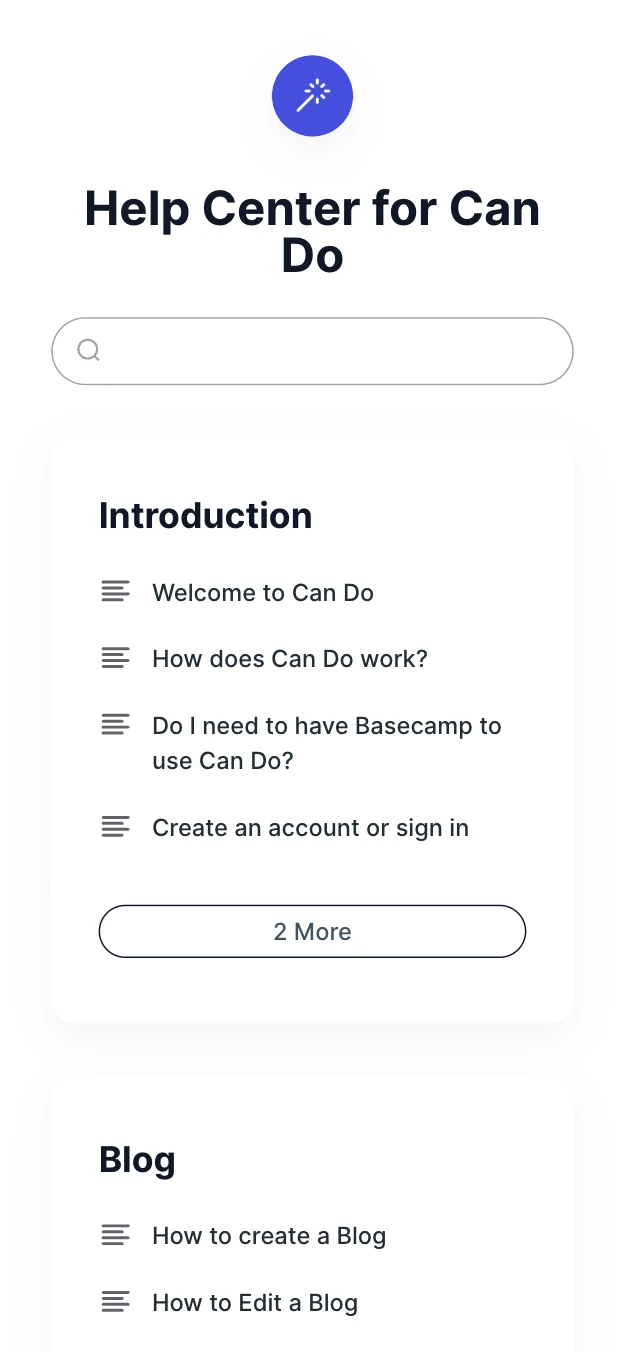
This is what your visitors see.
A clean, searchable help center on your own domain — every article pulled straight from your Basecamp Docs, organized by your folders.
We're glad to have you here!
Can Do is a suite of tools designed specifically for Basecamp that helps you and your team do more without leaving the platform you already know and use daily.
Whether you want to publish a Blog, create a knowledge base, or make your work faster with the Tools. We also built Forms so you don't have to leave Basecamp, and Companion — Can Do's latest creation, a Mac app that makes your days more comfortable and faster.
- •Blog: turn your project's Message Board into a great blog, published to your own domain.
- •Knowledge Base: your Docs & Files become a searchable help center — the page you're reading now.
No new editor. No new logins. Just your Docs, published.
Most knowledge bases force teams to maintain content in a second place — a separate CMS, a separate user pool, a separate workflow. Can Do takes the Docs you already write in Basecamp and renders them as a polished, searchable help center on your own domain. The single source of truth stays in Basecamp.
-
Built-in search
Full-text search across every article — fuzzy matching, keyboard navigation, no setup.
-
Versioned with Docs
Every Basecamp edit creates a new revision. Roll back whenever you need to.
-
Basecamp formatting
Headings, lists, tables, images, code blocks — your Doc renders the way you wrote it.
-
Folder = section
Organize articles in Basecamp folders. The structure becomes your sidebar automatically.
-
Custom domain + SSL
Publish to docs.yourcompany.com (or any subdomain). We handle the certificate.
-
SEO out of the box
Meta tags, sitemap, structured data — your articles are discoverable from day one.
Knowledge Base FAQ
Not here? [email protected]
How does the knowledge base work with Basecamp?
Can anyone on my team create or edit KB articles?
Can I organize articles into categories or sections?
Can customers and the public access the knowledge base?
Can I use my own domain for the knowledge base?
Do I need any coding or technical knowledge?
What happens to my knowledge base if I cancel Can Do?
Is Can Do secure?
How does pricing work for the knowledge base?
I have another question about the knowledge base.
Your Basecamp, unlocked.
Sign in with your email, connect Basecamp once, and turn the tool your team already loves into the publishing platform you always wanted. No password.